Editable designs and videos, straight from your agent
CoDesign is a free local MCP server that gives your agent design superpowers, from print to video.
Help me install the CoDesign plugin: https://codesign.co/mcp/install.md- Free to install and run on your own machine
- No account needed to start
- Your designs are cleared for commercial use
Works with
Watch your agent do the design work
Real sessions, from the prompt to the finished file.
Built on the design engine 100+ companies run
CoDesign runs on CE.SDK, the design engine IMG.LY builds for companies like these.















This is a design file. Don’t regenerate, just edit.
A flat image is a dead end
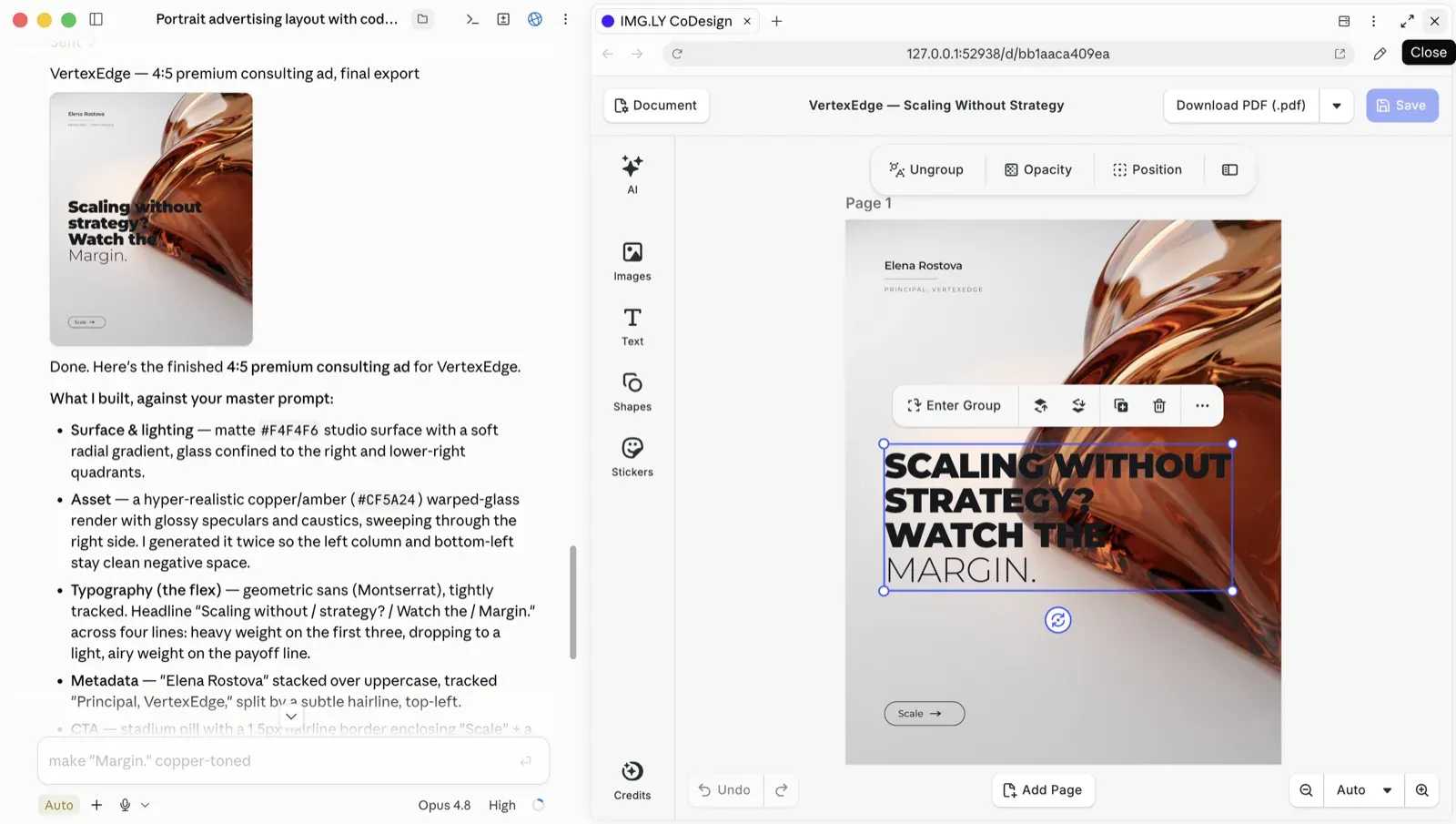
Image generators make you regenerate and pray. CoDesign returns a structured scene, so you click the text, fix the typo, move the logo.
Your brand doesn’t drift
Load a brand kit once. Your fonts, colors, and logos get applied to every output instead of being re-imagined on every generation.
One file, static or dynamic
Resize, rebrand, or translate one design for every channel, or animate it into a video. Layouts reflow instead of stretching, and the animation sits on the layers themselves, so a video stays as editable as the static design it came from.

Cloud Vulnerability
/ Projected to Drop by
24%
Saving Companies Over $140 Billion Annually
INNOVATIVE
SECURITY LABS
© 2026
Already have designs? Bring them in.
You don’t have to start from a blank prompt. Hand your agent a PSD, an IDML, a PowerPoint deck, or a PDF and it comes in as a structured design you can work on, not a flat page. Change it, then export what you actually need: a PDF, an image, an SVG, a video, or the editable design file. Real pipelines start with the files already sitting in your DAM.
Try out this prompt
Here's our . Translate it to German, swap in the new logo, and create a file.
From install to shipped design in four steps
Copy the install prompt
Paste it into Claude Code, Codex, or another coding agent, and it installs the CoDesign plugin, which runs the MCP server locally on your machine.
Help me install the CoDesign plugin: https://codesign.co/mcp/install.mdBrief your agent
Give it a prompt, a briefing doc, images, or a brand kit. Your agent calls CoDesign and a real design lands on the canvas.
Here's our brand kit (logo, colors, fonts). Rebrand this menu design to match: keep the layout, swap the identity.With CoDesign, resize the design for a LinkedIn Post and a horizontal postcard.With CoDesign, launch the following creatives for our summer sale: a square post, a story, and a banner. Keep every one editable.With CoDesign, turn my design into an animation, and keep every layer editable.Change the background to something with a darker hue, and shorten the headline.With CoDesign, localize the designs to Japanese and Arabic.Make this PDF editable with CoDesign.With CoDesign, check this design against the IMG.LY brand rules and tell me what's off.Open the editor. Fix anything by hand.
A full professional editor, not a preview. Every element is a design object you can move, restyle, or rewrite.
Export watermark-free
PDF, HTML, an MP4 video, or the editable design file. Hand it to a teammate, a client, or straight back to the agent for the next revision. One file, three authors: agent, code, and designer.
What only CoDesign can say
It runs inside the agent you already use
One MCP server, any client that can run one locally: Claude Code, Codex, Cursor, or your own agent stack. Your agent calls design the way it calls any other tool, so there’s no new destination to open and no context to lose.
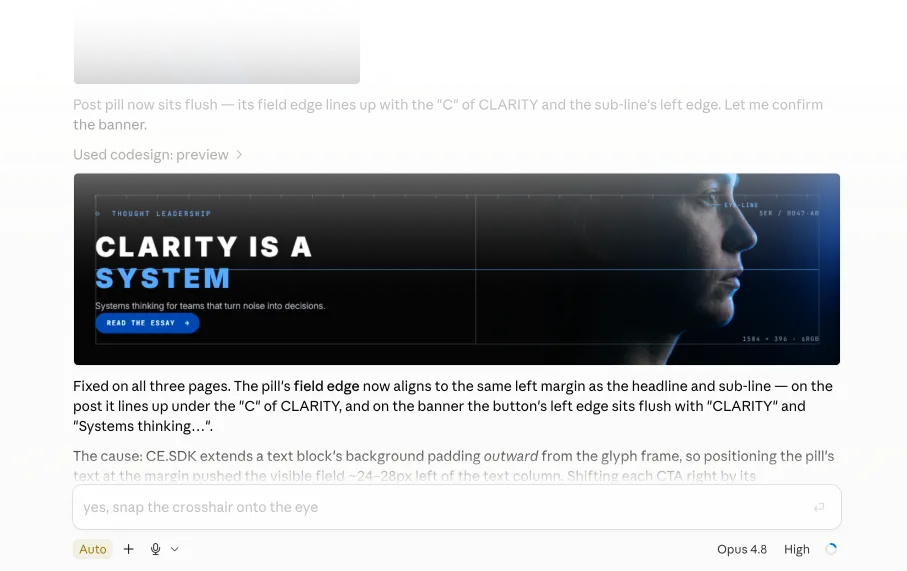
Built for print and screen
A menu at 210 × 297 mm and an Instagram post come off the same editable scene, rendered by the production engine 100+ companies already run. Most tools in this space size things in pixels; this one thinks in millimetres and real PDF. CMYK, bleed and ICC profiles are there when your printer asks for them.
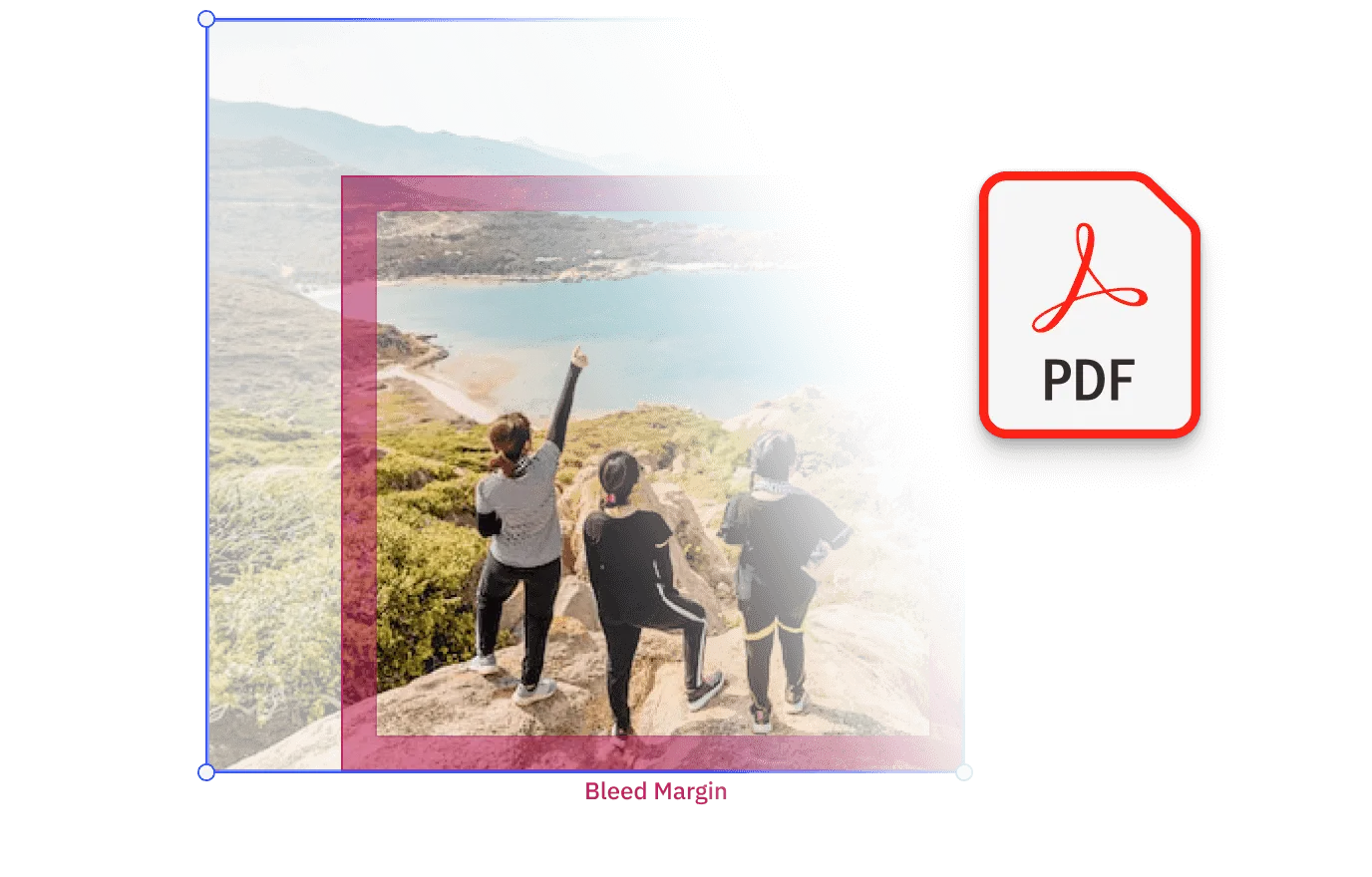
Agent, code, and designer. Same file.
Your agent edits it, your code automates it, your designer finishes it. Full parity, nothing flattened in between. The code path is the part an app-shaped competitor structurally can’t offer.
Free, local, no seat
It runs on your machine with no per-editor cost, and the free local MCP server is the product rather than a trial of something else. Everything you design with it is yours to use commercially, including paid client work. A licence only enters the picture when you want to host it for other people or put it behind your own product.
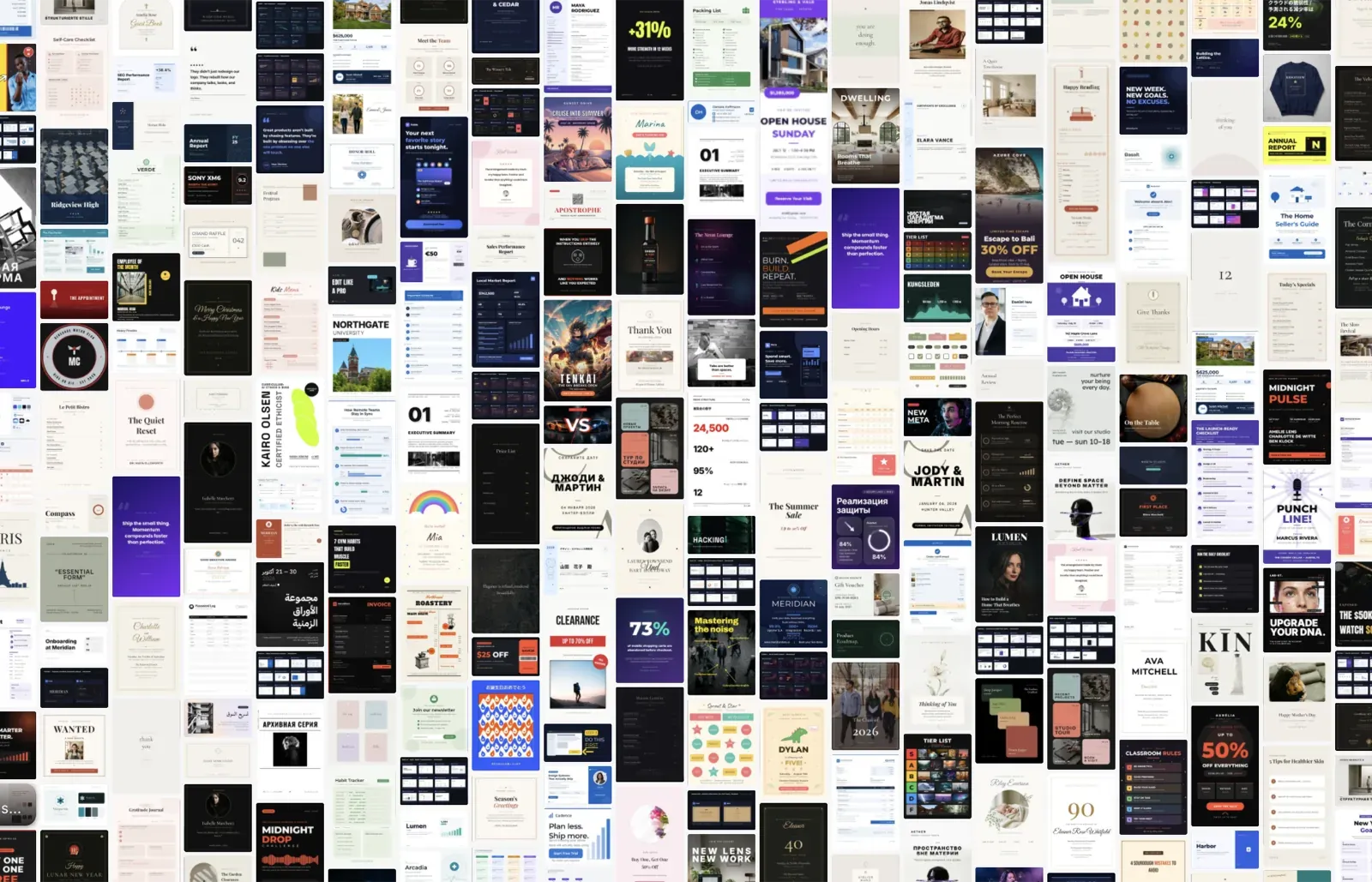
Give your agent a design engine
Install it free, ship an editable design in your next session, then tell us what it should do next.
Frequently asked questions
CoDesign is an MCP server over IMG.LY's production design engine. It turns any AI agent into a design partner that produces editable design files. Every element lands as a structured design object you can change in a full professional editor.
CoDesign is a technical preview. It works, but it is rough in places, and some jobs produce better results than others. There is no waitlist and no access request, so anyone with the link can install it today. Join our Discord and let us know what you think.
No. The tools and their output will keep changing between releases while we work on it. Files you have already made stay editable, but a job that behaves one way today may behave differently after an update. If you are building on a specific behaviour, talk to us first.
Yes. The local MCP server is free to install and run on your own machine, with no account needed to start. Sign in only when you want AI image generation, and that's a free IMG.LY account rather than a separate one. What you design is yours to publish and sell with no per-design fee.
Designing for your own company, for your clients, or for anything you sell is fine, including paid work, with no per-design fee. The licence draws its line around the MCP server itself: reselling or bundling it, running it on a shared server, or putting it behind your own product or service. Read the CoDesign terms for the wording that governs. For more information, you can Contact us.
An image generator gives you pixels, so changing anything means regenerating and hoping. CoDesign gives you a structured design file: open the full editor, select any element, fix it by hand. Same prompt-driven workflow, except the output is a real file you own and keep working on.
It runs inside your agent instead of being another app you switch to, it reads the Adobe files you already have, it exports real PDF and HTML off the same scene, and there is no per-seat cost. Your agent, your code, and your designer all edit the same file.
Any MCP client that can run a local server. Claude Code, Codex, Antigravity and Gemini CLI install it as a plugin, and every other client, such as Cursor, Windsurf, VS Code or Zed, registers the MCP server on its own. The install prompt at the top of this page handles both, and the setup guide has the steps if you would rather do it yourself. It runs on macOS and Linux, and on Windows inside WSL for now.
The Model Context Protocol is the open standard AI agents use to call external tools. Installing the CoDesign MCP server gives your agent a set of design tools (generate, edit, brand, localize, resize, export) the same way it might get access to a database or a browser.
No. Brief your agent the way you'd brief a designer: a prompt, a doc, images, a brand kit. When you want to fine-tune, the full editor is one click away and every element is directly editable.
Yes, and that's the core difference. Every generation is a structured scene, not a flat image. Open the editor, select any element, then move, resize, recolor, or rewrite it directly. No regenerating, no starting over.
PDF, PNG, JPEG, WebP, SVG, HTML, MP4 video, or the editable .imgly design file, all watermark-free. PDF comes out at the page size you set, so a 210 × 297 mm menu exports at 210 × 297 mm rather than at some pixel approximation of it. The Adobe formats are import-only: a PSD or an IDML opens fine, but it comes back as one of the formats above, not as a PSD. Hand any of them to a teammate, a client, or straight back to your agent for the next revision. On the print side, PDF export carries CMYK, bleed and ICC profiles when your printer needs them.
Yes. Load a brand kit once and CoDesign applies your fonts, colors, logos, and rules to every output, whether that means one post or a whole template library.
Yes. CoDesign translates in place and adapts the layout around the new text. Text expansion is handled, and right-to-left languages like Arabic are supported, including layout direction.
Yes. One master layout becomes every aspect ratio and channel you need. Layouts reflow instead of stretching, so the text stays inside the frame, and each variant comes back fully editable.
Yes. A design-quality judge checks the output against your brand rules and constraints, so anything off surfaces before the design goes out rather than after.
Yes. Hand your agent a PSD, an IDML, or a PDF and it opens as a structured design you can work on, not a flat page, so you can start from the file already sitting in your DAM. Import runs one way for those formats: what comes back is one of the export formats, not a PSD or an IDML.
Yes. Ask for the change in plain words and your agent edits the file you already have. Nothing else is regenerated, so the parts you signed off on come back untouched.
Yes. Ask your agent to animate a design and every layer gets its own entrance, exit and timing, with transitions, music and a voice-over if you want them. It exports as an MP4, and the design file behind it stays editable, so you can change a line of text and export it again.